> ## Documentation Index
> Fetch the complete documentation index at: https://lindyai-docs-usage-credit-optimization-tips.mintlify.site/llms.txt
> Use this file to discover all available pages before exploring further.
# Best Practices
**Welcome to saving 2 hours a day!** The more Lindy knows about you, the less she has to ask.
## Pin Lindy in iMessage
So she's always one tap away.
## Make Sure to Tweak Your Settings
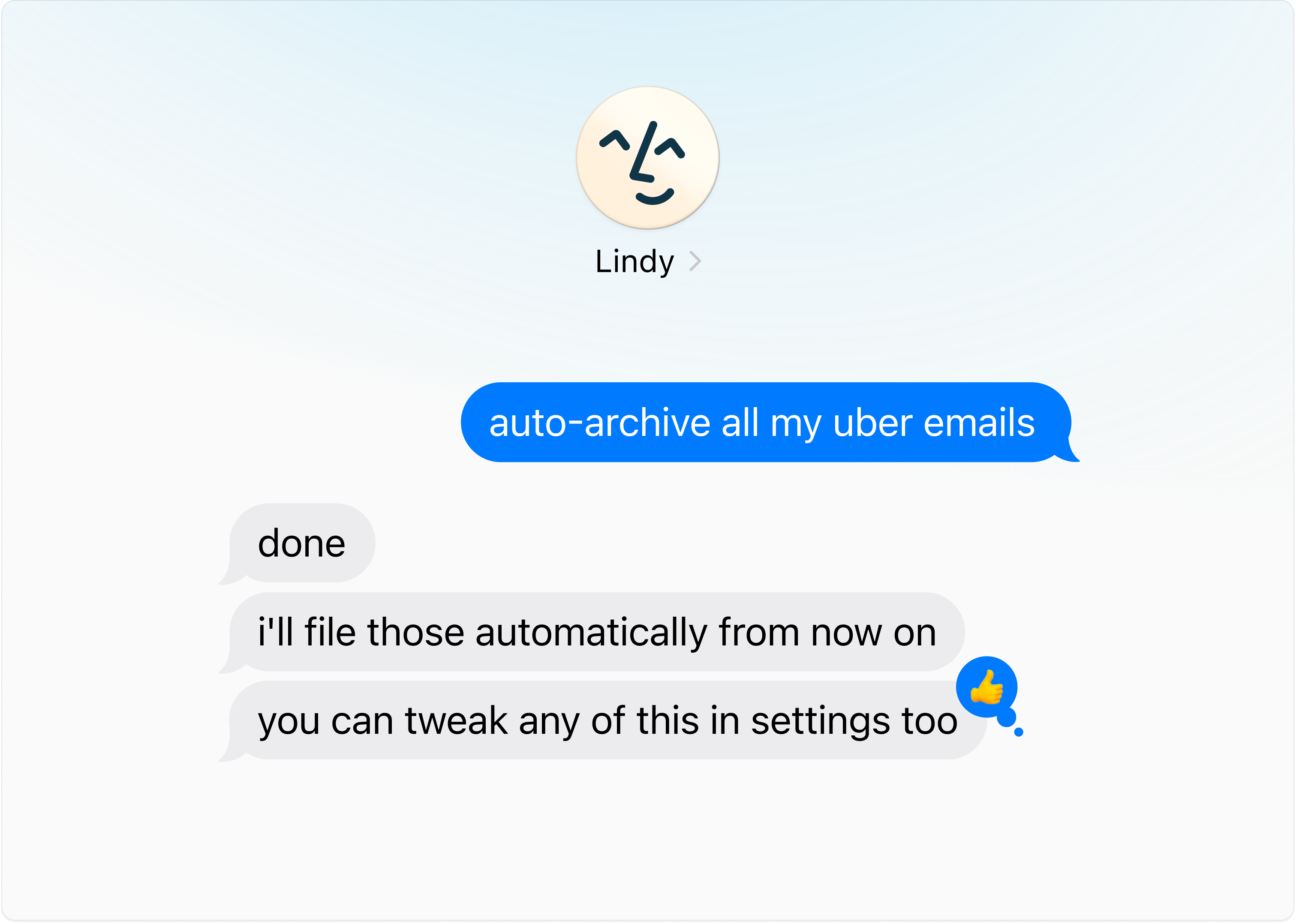
Configure Lindy's behavior through the web interface, or simply ask her in plain language — she'll update the settings for you and tell you where to fine-tune.
 ## Give Lots of Feedback
Lindy gets better the more you use her. If she gets anything wrong, just share quick feedback — she'll learn from it.
## Give Lots of Feedback
Lindy gets better the more you use her. If she gets anything wrong, just share quick feedback — she'll learn from it.
 ## Text Lindy Like You'd Text a Human Assistant
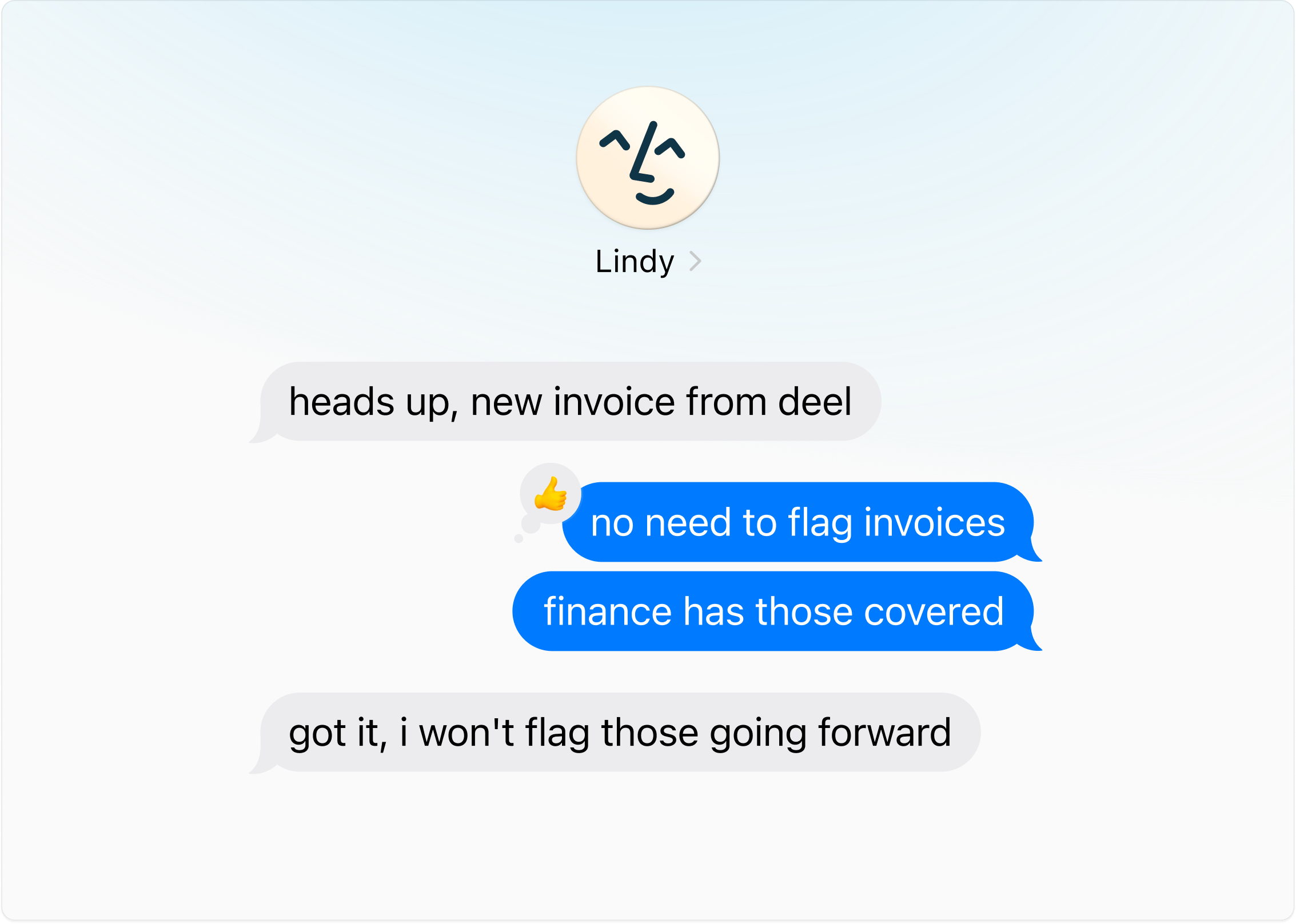
Tell Lindy the outcome — she'll handle the back-and-forth.
## Text Lindy Like You'd Text a Human Assistant
Tell Lindy the outcome — she'll handle the back-and-forth.
 ## Get Things Out of Your Head
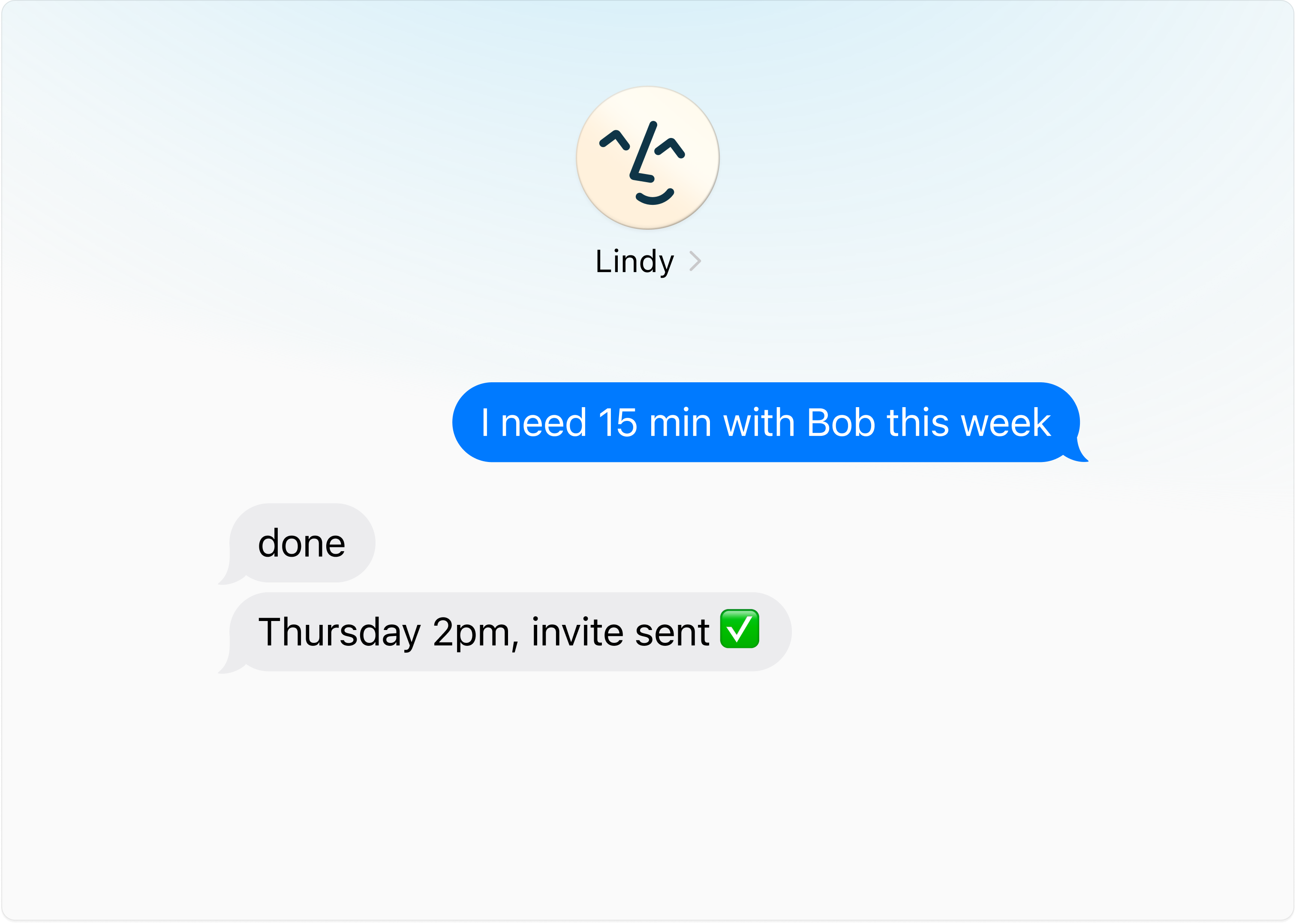
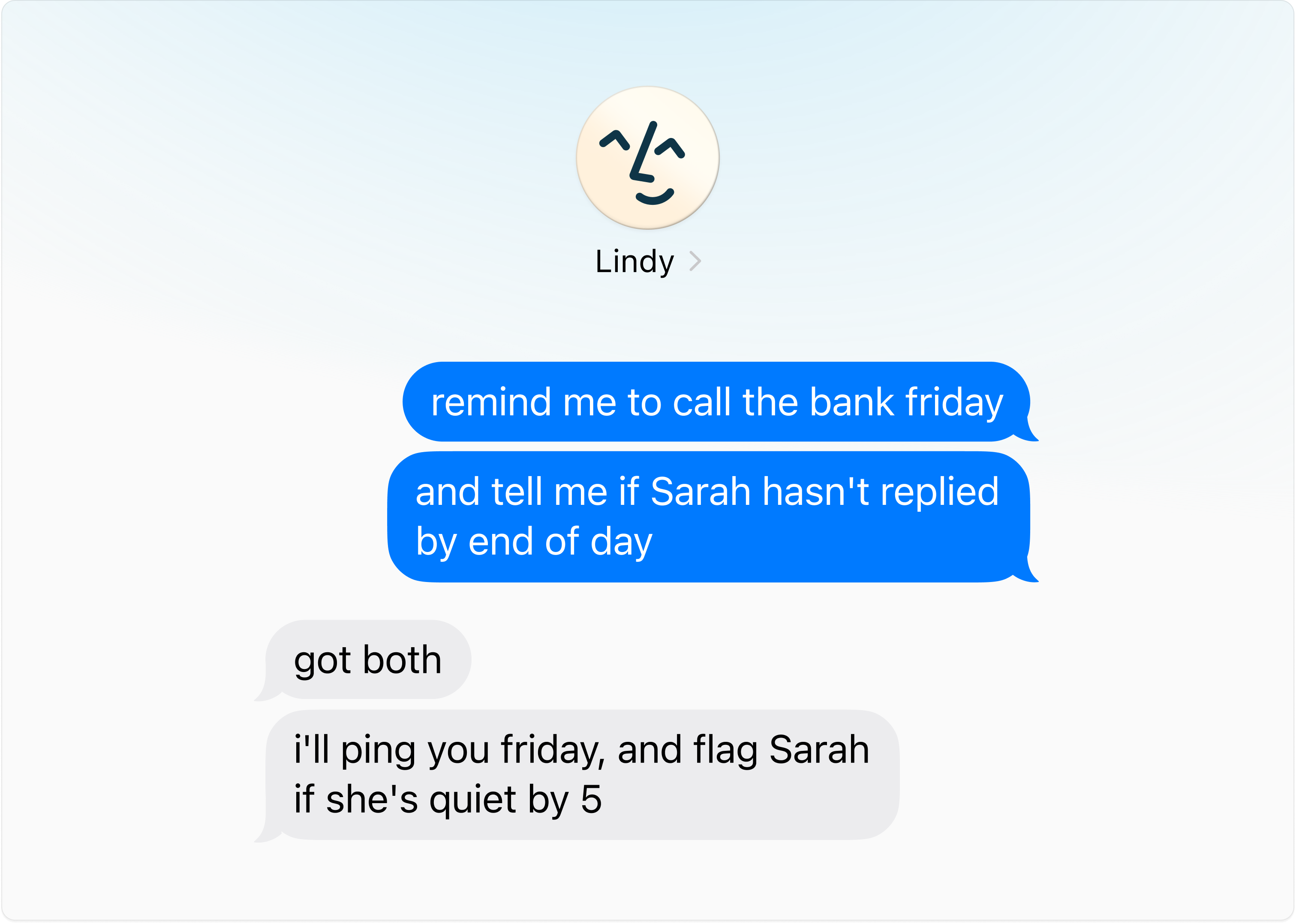
"Remind me Friday." "Tell me when Sarah replies." "Follow up with Acme if they go quiet for a week." Hand her the loop, then forget it.
## Get Things Out of Your Head
"Remind me Friday." "Tell me when Sarah replies." "Follow up with Acme if they go quiet for a week." Hand her the loop, then forget it.
**Start small.** Pick one time sink, let Lindy own it, then keep adding.
## Use Voice Memos
The easiest way to brain dump on Lindy. Hit the voice button in iMessage and talk like you're handing off to a human assistant.
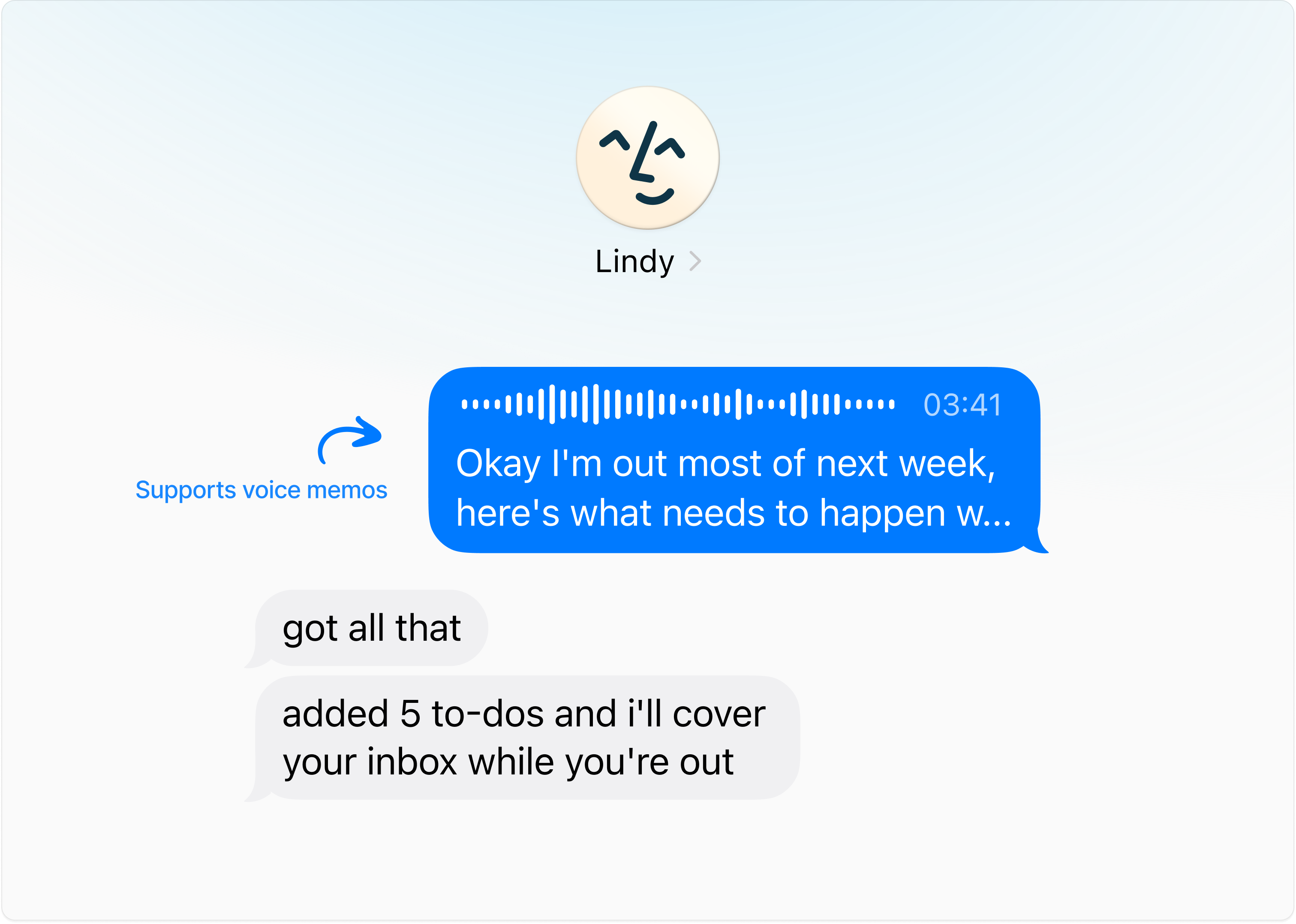 It's the fastest way to do what comes next — dump a brain-load of info Lindy needs about you.
## Give Lindy Lots of Information (Over Voice Memo)
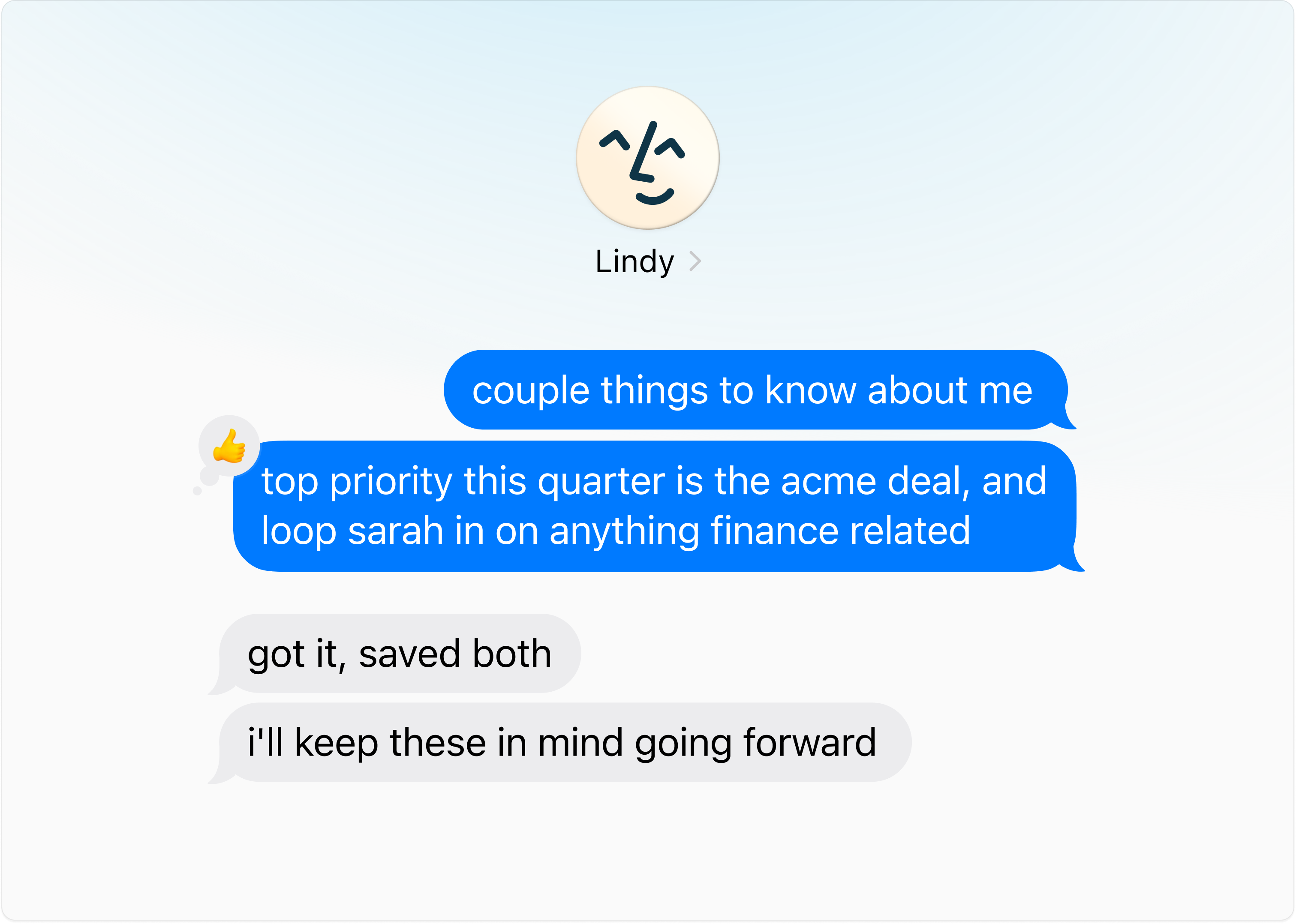
The more Lindy knows about you, the better she can help. Open iMessage, **hit the voice button**, and brief her like a new hire — five minutes covers a lot.
It's the fastest way to do what comes next — dump a brain-load of info Lindy needs about you.
## Give Lindy Lots of Information (Over Voice Memo)
The more Lindy knows about you, the better she can help. Open iMessage, **hit the voice button**, and brief her like a new hire — five minutes covers a lot.
 **On mobile?** Just cover the basics below and send more voice notes over the next few days.
**On desktop?** Open iMessage on your phone and go through as many sections as you want.
**On mobile?** Just cover the basics below and send more voice notes over the next few days.
**On desktop?** Open iMessage on your phone and go through as many sections as you want.
Start Here
Four things Lindy needs on day one:
- Your name, role, and company
- What you spend most of your day doing
- Things eating too much of your time
- Your work hours and time zone
Everything below is optional. Share it whenever, in any order.
Daily Basics
- Calendar: Protected blocks, preferred meeting length, buffer time, ideal meeting windows.
- Meetings: Which meetings Lindy should join or skip. Post-meeting tasks that eat your time (follow-ups, CRM updates, Slack notes).
- Email: Most important contacts, emails to alert you about, emails to auto-archive.
- Briefings: Text or voice recap, time to receive them, content to include (news, quotes, etc.), whether you want an end-of-day brief.
All About You
- Priorities: Top priorities, projects to protect time for, KPIs you're tracking.
- Personal: Partner/kids/family names, recurring obligations, favorite restaurants, dietary restrictions, go-to gift ideas.
- Working style: What a good day feels like, how direct you want feedback, routines Lindy should support, times you do your best thinking.
- Tools: Your productivity stack, where tasks live today, how aggressive reminders should be, recurring annual reminders.
## Next Steps
Text Lindy like a friend from your phone
Let Lindy run your inbox
Prep, notes, and follow-ups on autopilot
Research, reminders, and on-demand tasks