

Welcome to saving 2 hours a day! The more Lindy knows about you, the less she has to ask.
Pin Lindy in iMessage
So she’s always one tap away.Make Sure to Tweak Your Settings
Configure Lindy’s behavior through the web interface, or simply ask her in plain language — she’ll update the settings for you and tell you where to fine-tune.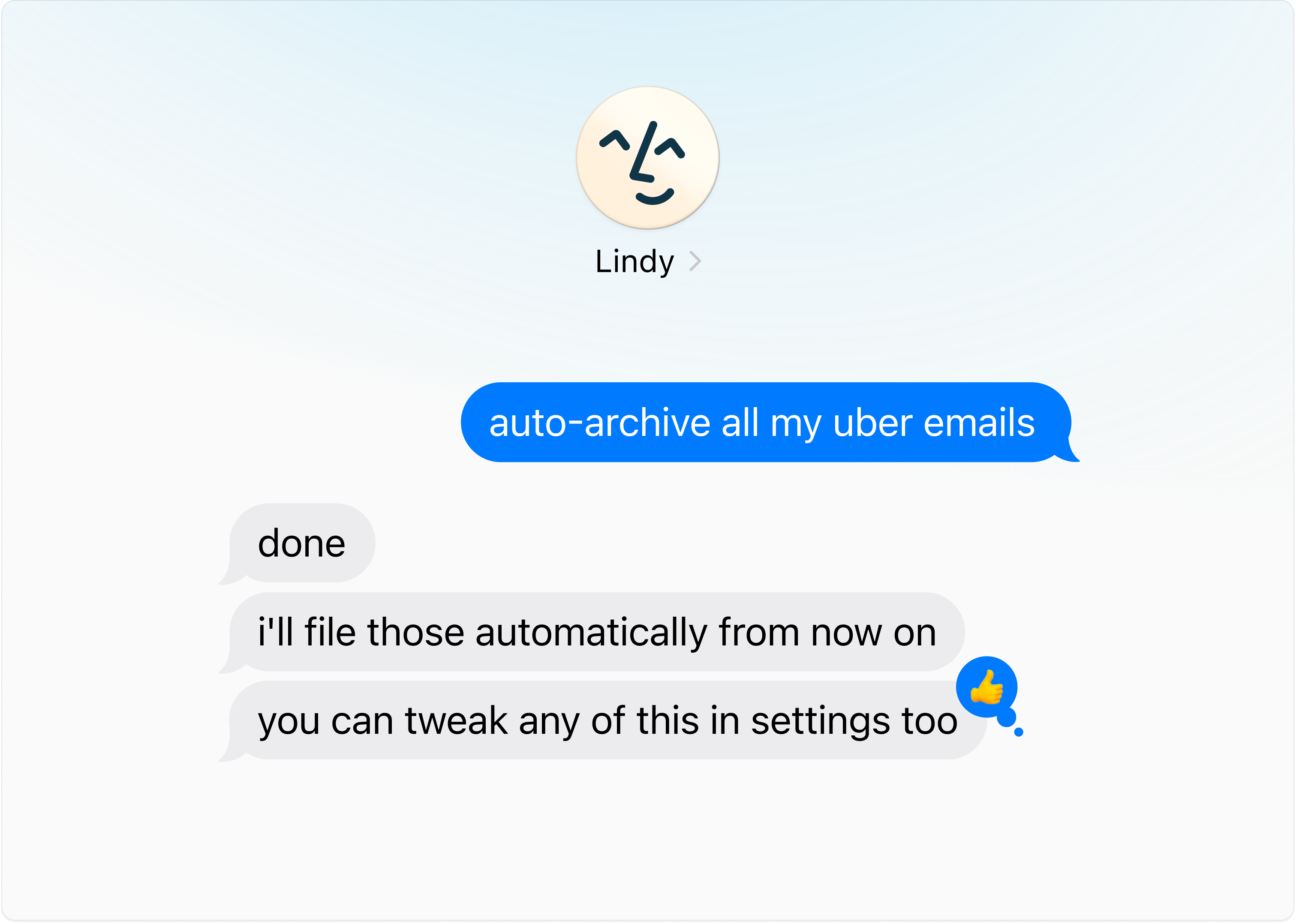
Give Lots of Feedback
Lindy gets better the more you use her. If she gets anything wrong, just share quick feedback — she’ll learn from it.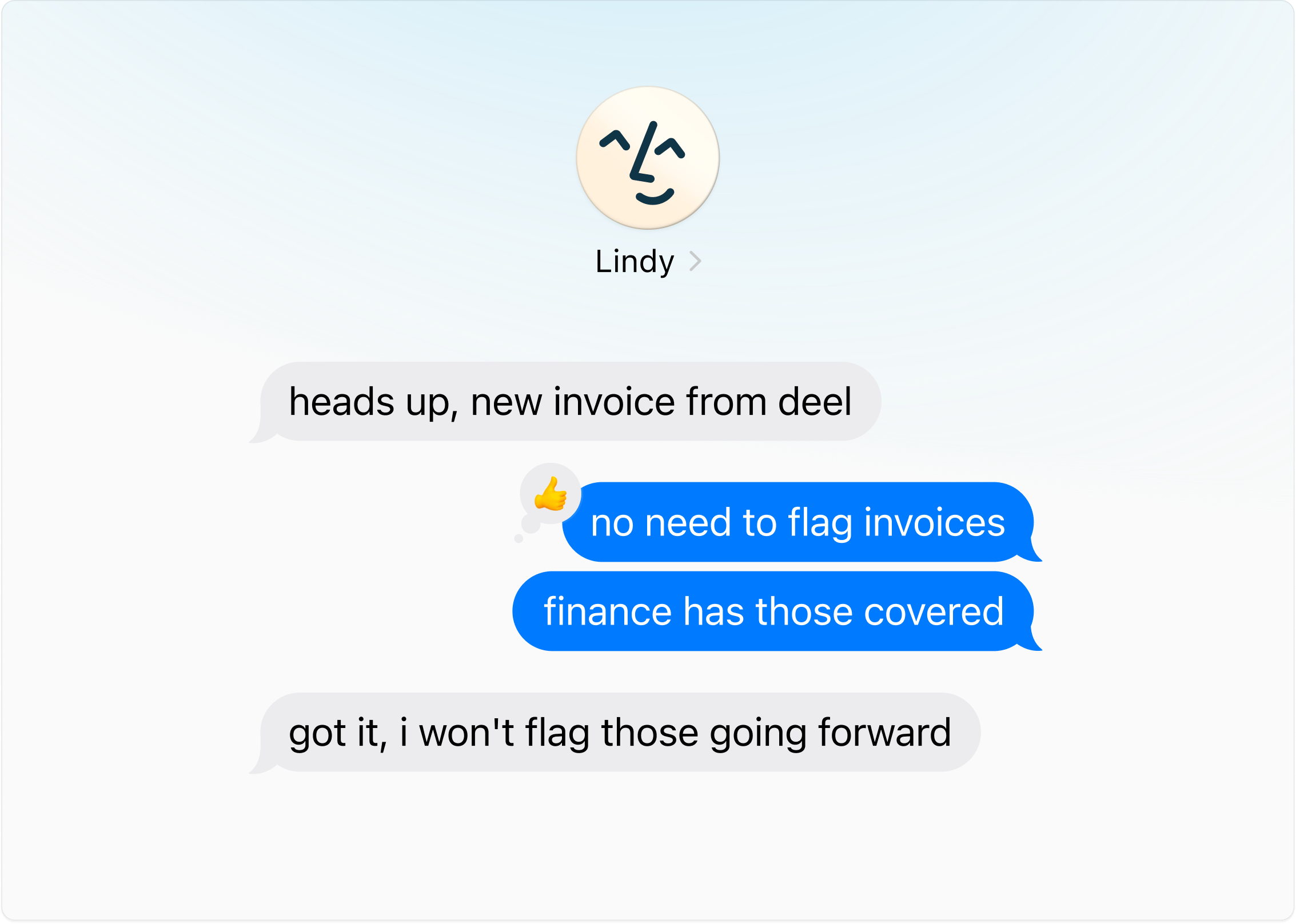
Text Lindy Like You’d Text a Human Assistant
Tell Lindy the outcome — she’ll handle the back-and-forth.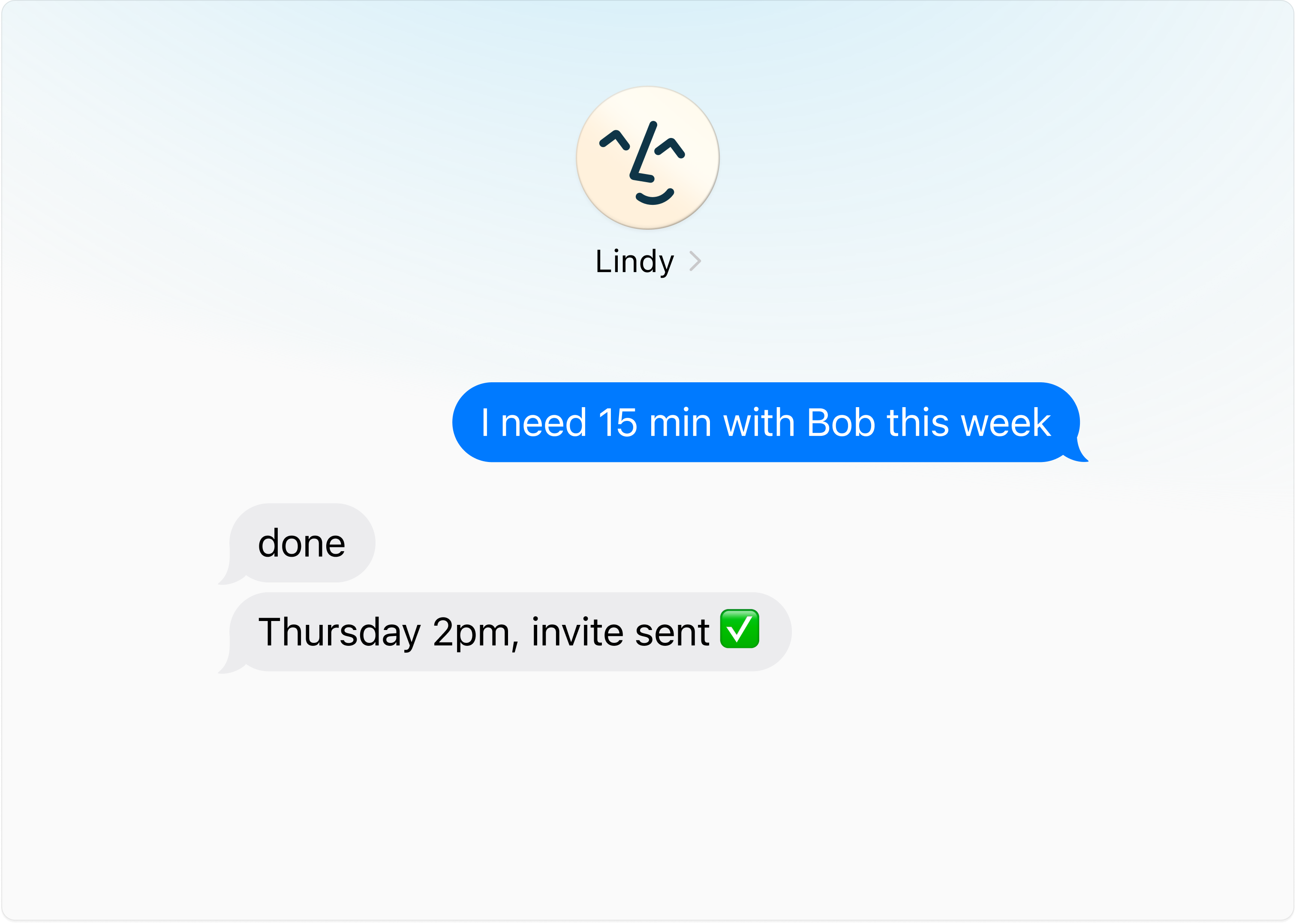
Get Things Out of Your Head
“Remind me Friday.” “Tell me when Sarah replies.” “Follow up with Acme if they go quiet for a week.” Hand her the loop, then forget it.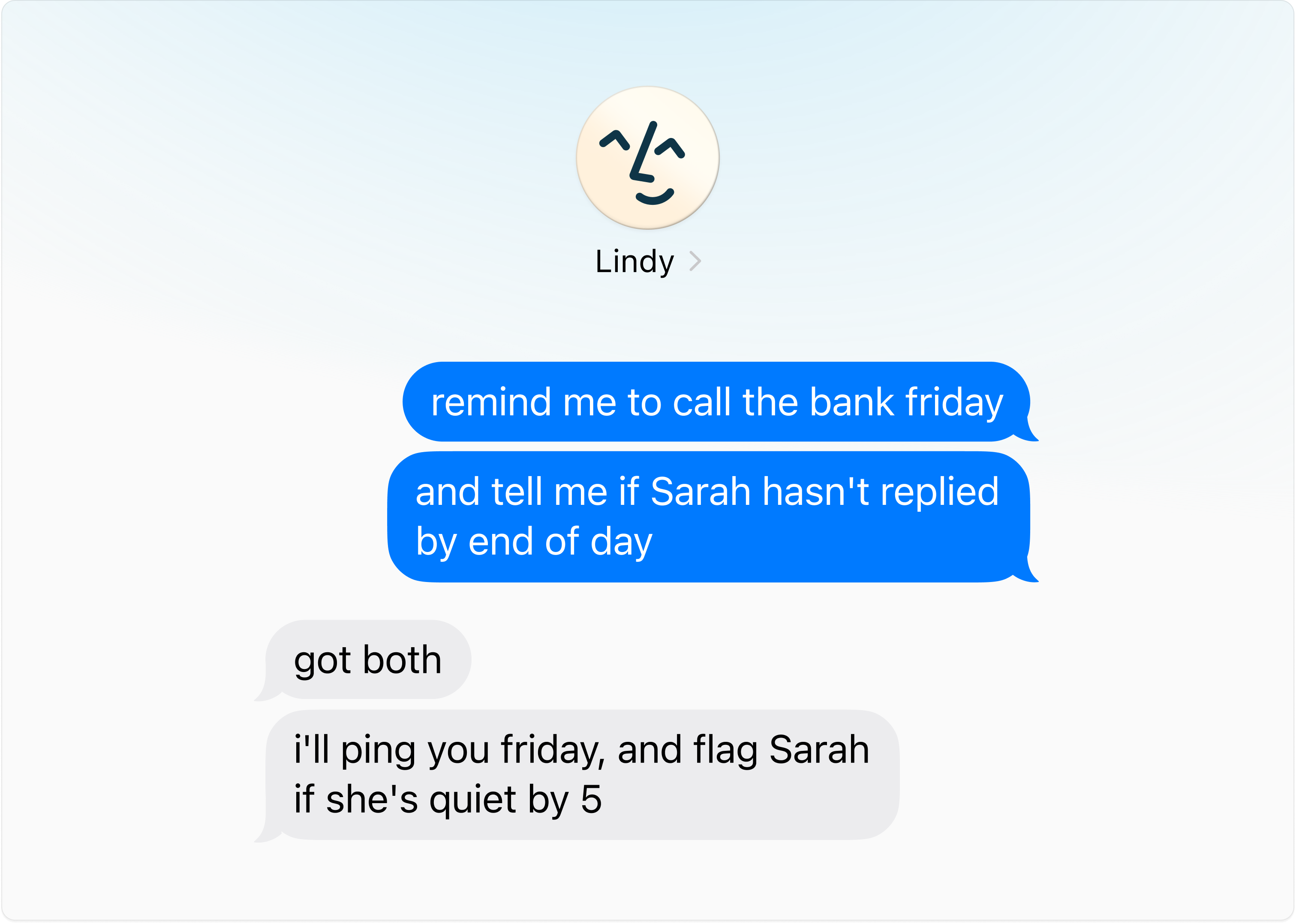
Use Voice Memos
The easiest way to brain dump on Lindy. Hit the voice button in iMessage and talk like you’re handing off to a human assistant.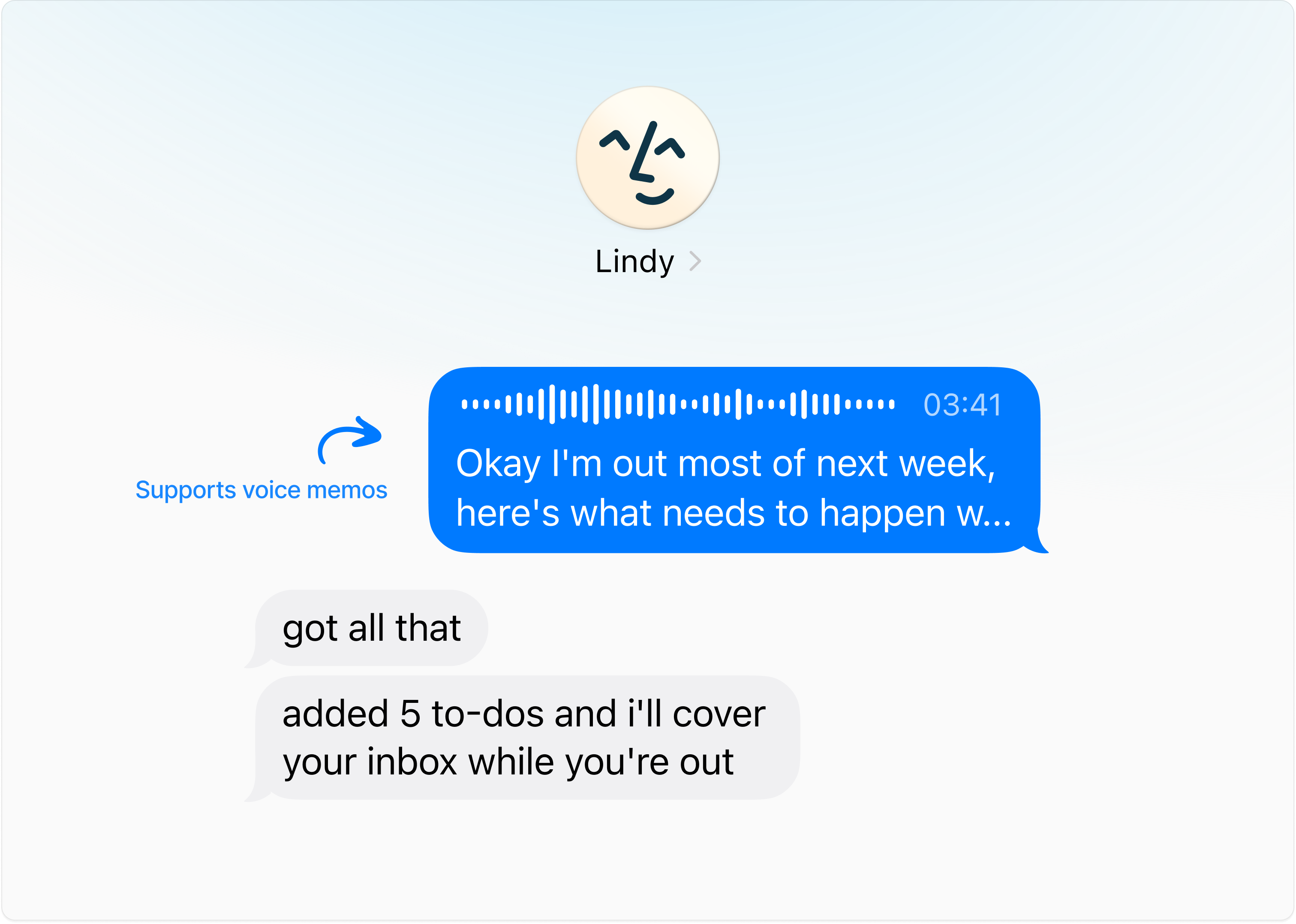
Give Lindy Lots of Information (Over Voice Memo)
The more Lindy knows about you, the better she can help. Open iMessage, hit the voice button, and brief her like a new hire — five minutes covers a lot.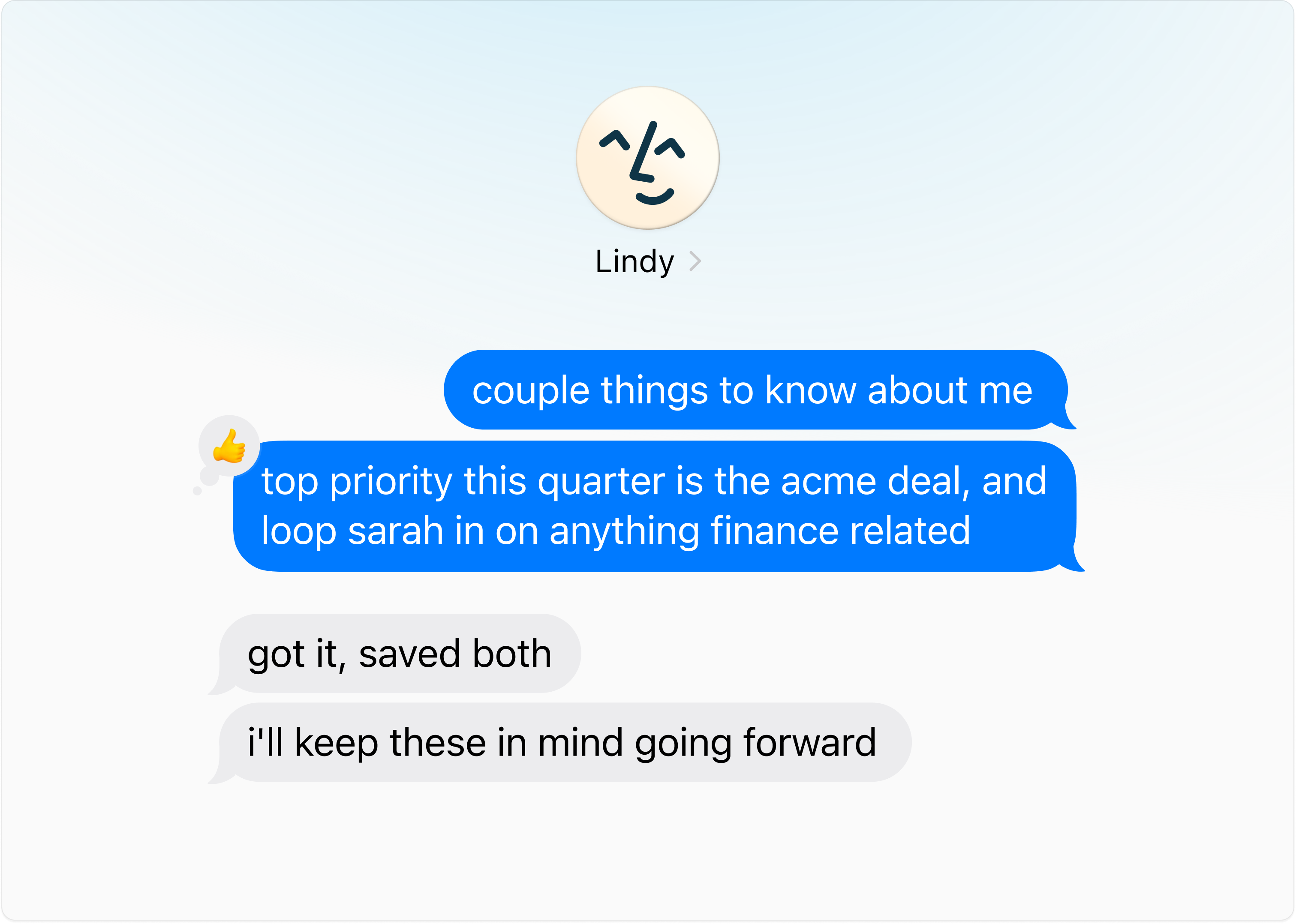
Start Here
Four things Lindy needs on day one:
- Your name, role, and company
- What you spend most of your day doing
- Things eating too much of your time
- Your work hours and time zone
Everything below is optional. Share it whenever, in any order.
Daily Basics
- Calendar: Protected blocks, preferred meeting length, buffer time, ideal meeting windows.
- Meetings: Which meetings Lindy should join or skip. Post-meeting tasks that eat your time (follow-ups, CRM updates, Slack notes).
- Email: Most important contacts, emails to alert you about, emails to auto-archive.
- Briefings: Text or voice recap, time to receive them, content to include (news, quotes, etc.), whether you want an end-of-day brief.
All About You
- Priorities: Top priorities, projects to protect time for, KPIs you’re tracking.
- Personal: Partner/kids/family names, recurring obligations, favorite restaurants, dietary restrictions, go-to gift ideas.
- Working style: What a good day feels like, how direct you want feedback, routines Lindy should support, times you do your best thinking.
- Tools: Your productivity stack, where tasks live today, how aggressive reminders should be, recurring annual reminders.
Next Steps
iMessage & SMS
Text Lindy like a friend from your phone
Inbox Management
Let Lindy run your inbox
Meeting Assistant
Prep, notes, and follow-ups on autopilot
Ad Hoc Tasks
Research, reminders, and on-demand tasks